Flashing an Internal Corner
In this tutorial, we’re going to show you how to finish off an internal corner detail using 9” FormFlash.
Step One
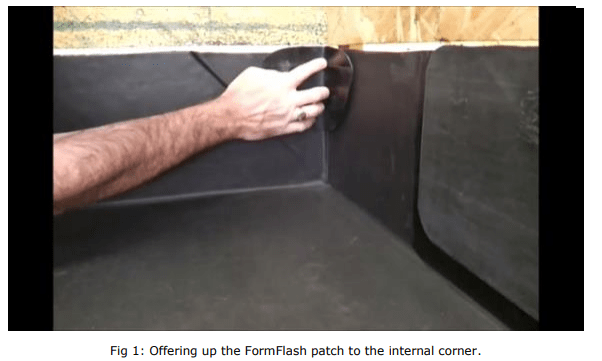
Cut a piece of the 9” FormFlash out. Offer it up to the internal corner as shown in Fig 1. Draw around the patch leaving an extra gap all around the edge, which is where the Quickprime Plus adhesive will be applied.
Step two
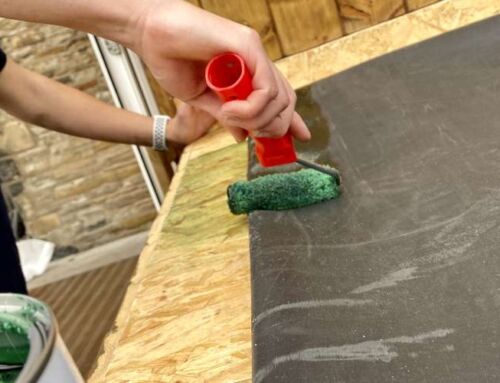
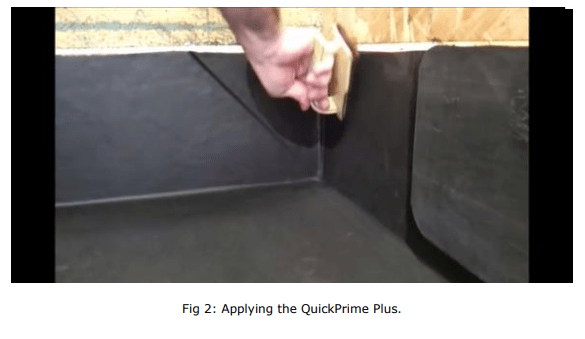
Apply Quickprime Plus to the area using the small pad. The patch is going to make sure that the top edge of that internal corner, where it goes into the chase on this example, is completely watertight.
Wait for the Quickprime Plus to tack off.
Step three
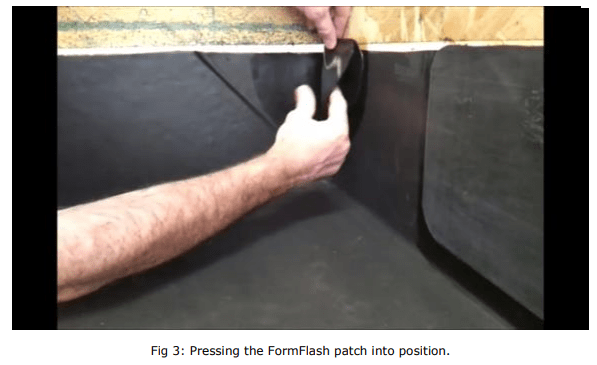
Remove the backing paper from the FormFlash patch, and press into position. Finish off with the rollers to make the corner tight.
Step four
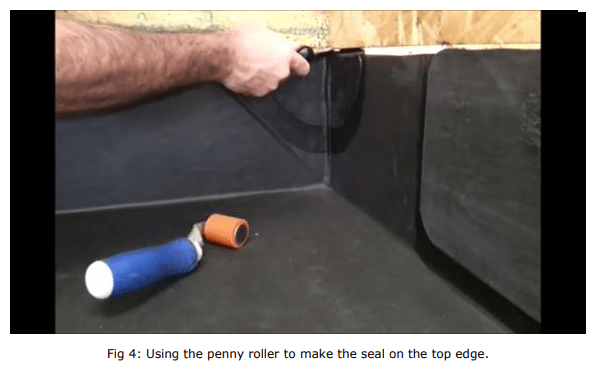
Using the penny roller, manoeuvre the FormFlash patch into position on the top edge, pressing firmly to ensure a watertight seal.
And you’re done.